Organize Files with Folders
1 min read
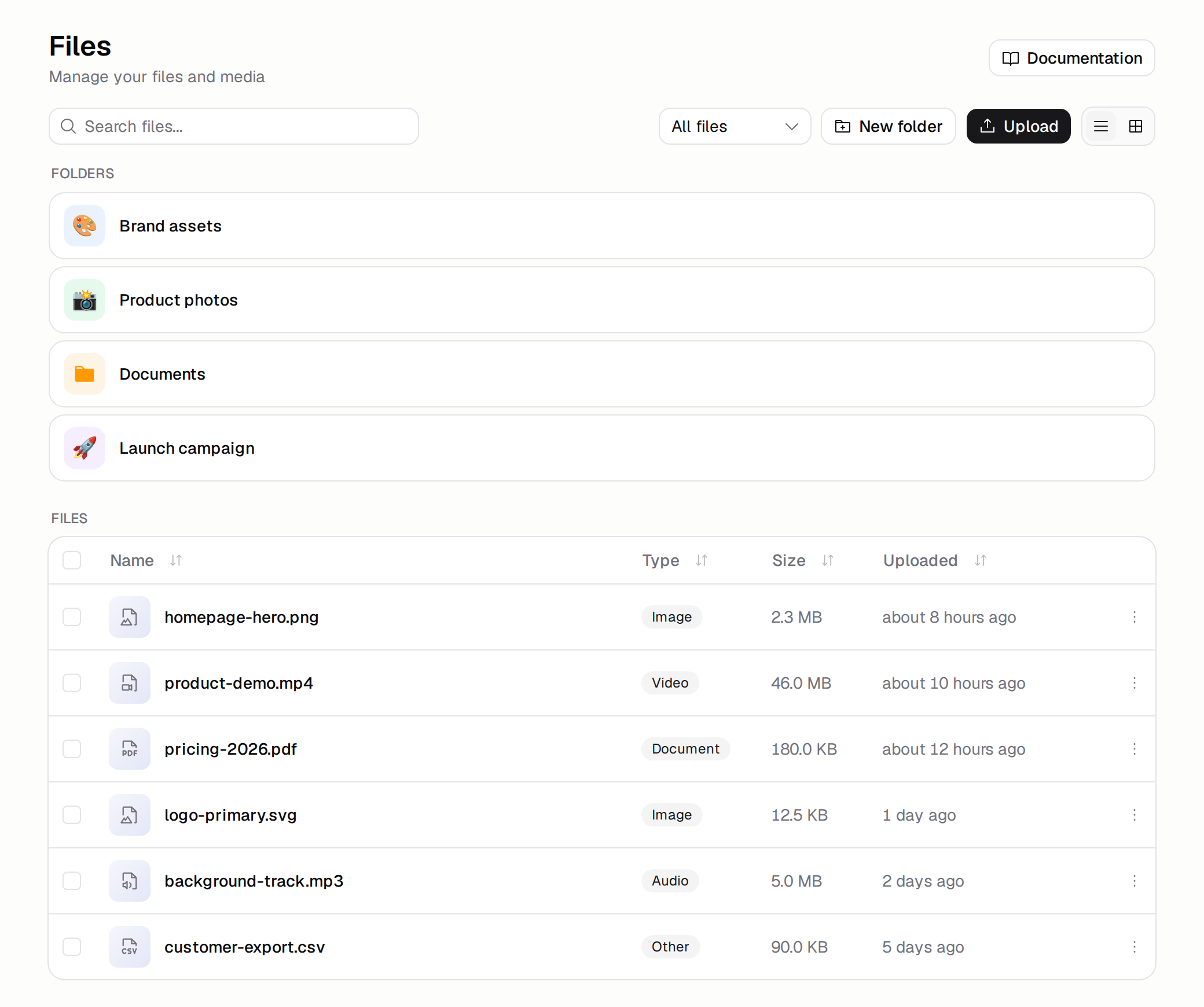
You can now group your files into folders in Files & Media. Create a folder from the toolbar, then move your files into it.
- Drag to move. Drag files onto a folder to move them in, or onto the breadcrumb to move them back out.
- Color and emoji. Give a folder a color and an emoji so it stands out.
- Search across folders. Search and filters look through every folder at once, and each result shows where it lives.
To get started, open the Files & Media tab and click New folder. Learn more in the Files & Media docs.