
How do I publish my app to the App Store?
- Google Play
- iOS App Store
- Microsoft Store
- Progressive Web App
Hercules builds your Android app for you. Upload the first release by hand, then Hercules can send every later build to Google Play on its own.
Hercules builds are rolling out gradually. If you do not see a Build Android App button, use the manual steps at the bottom of this tab.
1
Publish Your App on Hercules
Click Publish in the top right corner to get your app URL. Your Android app loads this URL, so publish before you build.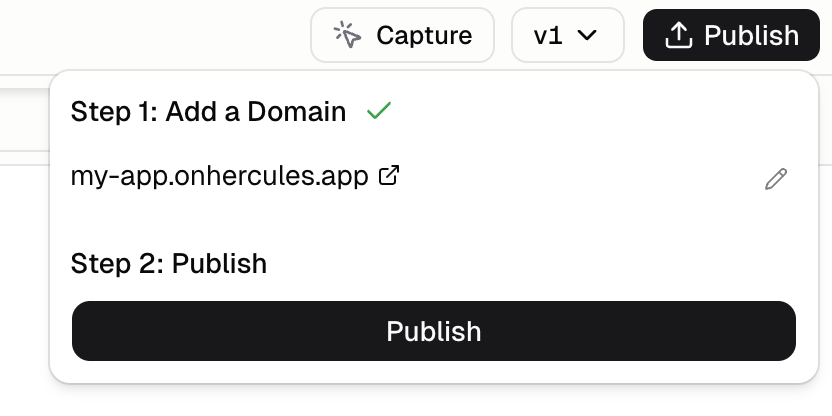
2
Set Your App Details
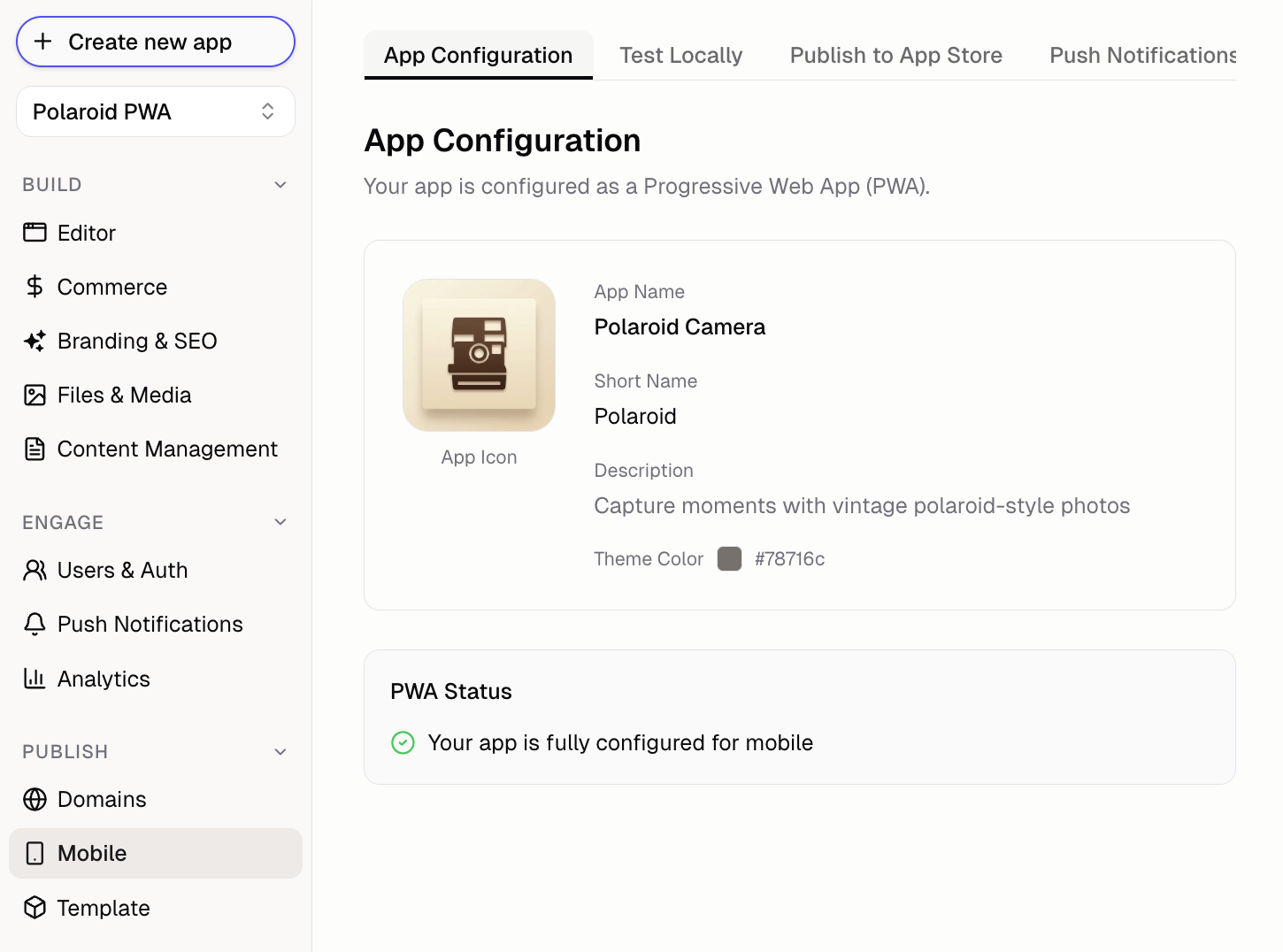
Click Mobile → Publish to App Store, then fill in:
- App name: the name shown under your icon on the phone
- Package name: a permanent ID for your app, like
app.hercules.myapp - App icon: a square PNG at least 512x512px with no transparency
3
Build Your App
Click Build Android App. Progress appears live underneath, so you can watch each step.The first build is the slow one, because Hercules installs the Android build tools before it starts. Later builds skip that step.When it finishes, click Download to get your
.aab file (the app package Google Play accepts).4
Upload Your First Release by Hand
Google requires the first release of a new app to be uploaded manually.
- Go to Google Play Console. You need a Google Play Developer account ($25 one time)
- Click Create app and fill in your app name, language, and type
- Click Testing → Internal testing → Create new release
- Upload your
.aabfile. Your package name is inside it, so Play picks it up from the upload - Complete the required forms: privacy policy, data safety, content rating, and target audience
- Add your own email as a tester, then install the app from the opt in link on your phone
The forms take longer than the build. Google will not release your app until every one is complete.
5
Connect Google Play for Automatic Uploads
Do this once, and Hercules sends every later build straight to Google Play.
- In Google Cloud, create a service account (a robot account that acts on your behalf) and download its JSON key
- In Play Console, click Users and permissions → Invite new users, invite the service account email, and give it permission to release your app
- In Hercules, click Mobile → Publish to App Store and add the JSON key as a Google Play credential
- Attach that credential to your app
6
Go Live
When your test build looks right, open Play Console and promote the release from Internal testing to Production. Review usually takes a few hours to 2 days.
Hercules creates your app signing key and reuses it for every build, so there are no keystore files for you to save. Keep your mobile settings in place: your key lives with them.
Build Android manually with PWA Builder
Build Android manually with PWA Builder
Use this if Hercules builds are not available for your app yet.
1
Generate Android Package with PWA Builder
- Go to pwabuilder.com
- Enter your app URL (e.g.
https://my-app.onhercules.appor your custom domain) - Click “Start”, then “Package for stores”
- Select “Android” and download the AAB file
2
Set Up Digital Asset Links
PWA Builder wraps your app in a browser window, so Google Play needs a Digital Asset Links file to confirm you own your domain. Without it, your app opens with a browser address bar instead of running full screen.
- On the PWA Builder Android package screen, copy the
assetlinks.jsonsnippet it generates (it includes your package name and SHA256 fingerprint, a unique ID tied to your signing key) - Ask Hercules to add it to your app:
Add Digital Asset Links file
- Publish your app again so the file goes live
- Visit
https://my-app.onhercules.app/.well-known/assetlinks.json(or your custom domain). It should return the JSON you pasted, not your app’s page
If you regenerate your signing key or change your package name, update this file and publish again. If you enroll in Google Play App Signing (the default for new apps), Google re-signs your app with its own key: get the new fingerprint from Play Console → Setup → App integrity and update this file with it.
3
Submit to Google Play
- Go to Google Play Console
- Click “Create app” and fill in details
- Click Production → Create new release
- Upload the AAB file and complete your store listing
- Submit for review
FAQ
Why was my iOS app rejected?
Why was my iOS app rejected?
Common reasons: crashes/bugs, incomplete features, misleading descriptions, or being too similar to a website. Apple wants apps that provide value beyond what Safari offers. Add native features or unique functionality.
Why was my Android app rejected?
Why was my Android app rejected?
Common reasons: policy violations, inappropriate content, broken functionality, or missing privacy
policy. Google is generally more lenient with PWAs than Apple.
How long does review take?
How long does review take?
- Google Play: Usually hours to 2 days
- App Store: Usually 1-3 days
- Microsoft Store: Usually 1-3 days
Can I publish to multiple stores?
Can I publish to multiple stores?
Yes. Each store needs its own package, but the underlying app is the same one. Hercules builds
your Android package. For other stores, use PWA Builder.
Why does my Android app show a browser address bar instead of running full screen?
Why does my Android app show a browser address bar instead of running full screen?
This affects apps packaged manually with PWA Builder. Your Digital Asset Links file
(
assetlinks.json) is missing, or does not match your signing key. See the Set Up Digital Asset
Links step in the manual section of the Google Play tab above. Apps built by Hercules run full
screen without this file.Do I need to save my Android signing key?
Do I need to save my Android signing key?
Not for apps built by Hercules. Hercules creates the key, stores it securely, and reuses it for
every build.If you package manually with PWA Builder, save your signing key somewhere safe. Google will not
accept an update signed with a different key. You would have to publish as a new app with a new
package name, losing your existing users and reviews.
Do PWAs work offline?
Do PWAs work offline?
PWAs can cache content for offline use. Ask Hercules to set up a service worker to cache assets
and handle offline scenarios gracefully.
Why PWA instead of app stores?
Why PWA instead of app stores?
PWAs are faster to ship (no review process), update instantly (no waiting for approval), work on all platforms, and don’t require developer accounts. PWAs are downloaded directly from the browser, as opposed to a store. You will have to create a PWA to create a mobile app anyway. We recommend testing with a PWA and then publishing to the app stores when you are ready.